
Hub updates and the vulnerability database
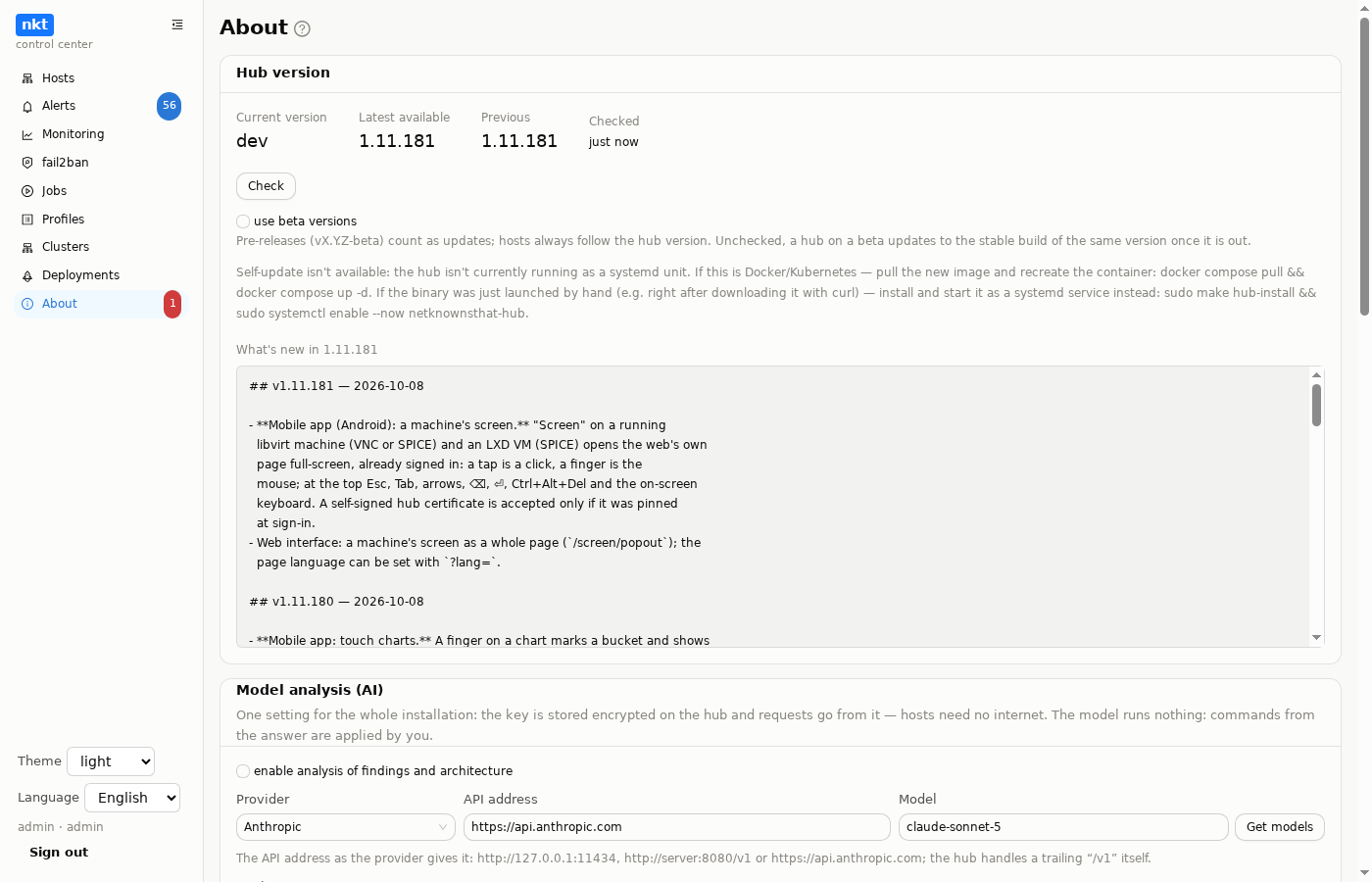
The hub's "About" section — the hub's own version, updates, the shared vulnerability database, the package cache, the ClamAV database, model analysis and privacy mode. Host versions are on the "Hosts" page.
Version check
Every NKT_HUB_UPDATE_CHECK_INTERVAL (6 h) the hub asks GitHub Releases (NKT_HUB_RELEASE_REPO) whether there is a newer version and shows a badge in the menu — for information only: nothing is installed by itself. "Check again" checks right away.
Below — the release notes in the UI language (from WHATSNEW.md and WHATSNEW.en.md). While there is no update, it shows the notes of the installed version — useful to read after an update.
Update the hub
"Update to vX.Y.Z" — a hub job with the log window (closing the window does not interrupt it):
- downloads the binary for this machine's architecture and the
deploy/netknownsthat-hub.serviceof the same tag, verifiesSHA256SUMS; - puts the binary into
/usr/local/bin/nkt, the unit into/etc/systemd/system/, thendaemon-reloadandrestart— viasystemd-runin a separate unit, because the hub's ownProtectSystem=strictdoesn't let it write there; - the hub is unavailable for a few seconds; the open page waits until it answers with the new version and reloads itself. If the new version is not there within 3 minutes, the page says so and points to where the install log is.
The job log shows four steps as lines: the checksum file, downloading the binary (with percentages; one already downloaded by an earlier attempt is taken from the cache if its checksum matches), the systemd unit, install and restart. If not a byte arrives from GitHub for 60 seconds, the download is retried once, and then the job ends with "the download stopped at N%" — instead of hanging; the whole update is limited to 30 minutes.
Other tabs opened before the update keep running the previous interface code until reloaded. Such a tab notices the new build on the server by itself (every two minutes and when you return to it) and shows a "The nkt interface has been updated… — reload the page" bar. The same goes after nkt is updated on a host.
The confirmation has a "After the hub update, update nkt on all hosts" checkbox, on by default. Then, after the reload, "Hosts" opens right away and updating nkt on the hosts starts by itself, with no second confirmation: the checkbox is the consent. All outdated hosts are updated except those already updating and those that failed last time (do them by hand with the "retry failed" checkbox). The "unreachable" flag is unreliable right after a hub restart, so the job itself checks the connection to each host before installing; a host without one is skipped. The job log opens at once; if there is nothing to update, it says so. This happens only if the hub version did change; if it has not changed within half an hour, the intent is dropped (it is remembered in this browser).
There is a rollback to the previous version if something goes wrong.
The update doesn't touch hub.env — unlike hosts' nkt.env, which the hub regenerates on every install, it is entirely up to the operator.
The button is there only if the hub runs as a systemd unit (INVOCATION_ID is in the environment). Otherwise there is an explanation instead:
- Docker / Kubernetes — the binary is in the image layer: update with
docker compose pull && docker compose up -dor a new image tag; - a binary started by hand — install the hub as a service (installation) and the button appears.
Beta versions
A vX.Y.Z-beta tag builds the same release marked pre-release: a binary with version X.Y.Z-beta, images :X.Y.Z-beta and :beta (:latest is not touched). The "use beta versions" checkbox switches the hub to the beta channel: betas count as updates, "latest available" is rechecked right away. Without the checkbox a hub on a beta updates to the stable build of the same version once it's out. Hosts follow the hub's version — a beta hub hands out the beta. A beta is marked with a "beta" badge in the header and in "About".
Hosts after a hub update
A host whose version differs from the hub is updated first when opened; "update all" in the host list handles all outdated ones at once (details — in Hosts).
Vulnerability database
Without the hub every host downloads trivy (~50 MB) and its database (~100–150 MB compressed, ~1 GB unpacked) for a vulnerability scan. On the hub the database is one:
- every
NKT_HUB_VULNDB_REFRESH_INTERVAL(12 h) the hub checks its freshness in the background; downloads happen at most once a day; - "Refresh now" forces a check (a fresh database is not downloaded again);
- "Scan" on the "Vulnerabilities" page of a host under the hub: the hub takes the host's package manifest (a
dpkgdump and/etc/os-release, hundreds of KB) over SSH and scans it with its own database. The host needs neither trivy nor the database for OS packages; - container images are scanned on the host itself — its Docker/Podman socket is needed. A host with containers installs trivy and the database once, only for this part; a host without containers downloads nothing;
- "localhost" uses the same database directory (
NKT_DATA_DIR/vuln).
ClamAV database
A copy of the ClamAV signature database on the hub. Created with a button in "About", then refreshed every NKT_HUB_CLAMDB_REFRESH_INTERVAL (24 h, 0 — never), only changes are downloaded. On a host page, the "Malware" tab's "database from hub" button uploads it over SSH — a host without internet doesn't need to reach ClamAV mirrors.
Package cache
Size, hits, limit and clearing — in the same place; how it works — on the Package cache page.
Model analysis and privacy mode
The model setup (Anthropic or OpenAI-compatible, local ones included), instructions and the "hide sensitive" checkbox — on the Alerts, jobs, AI page.
Help
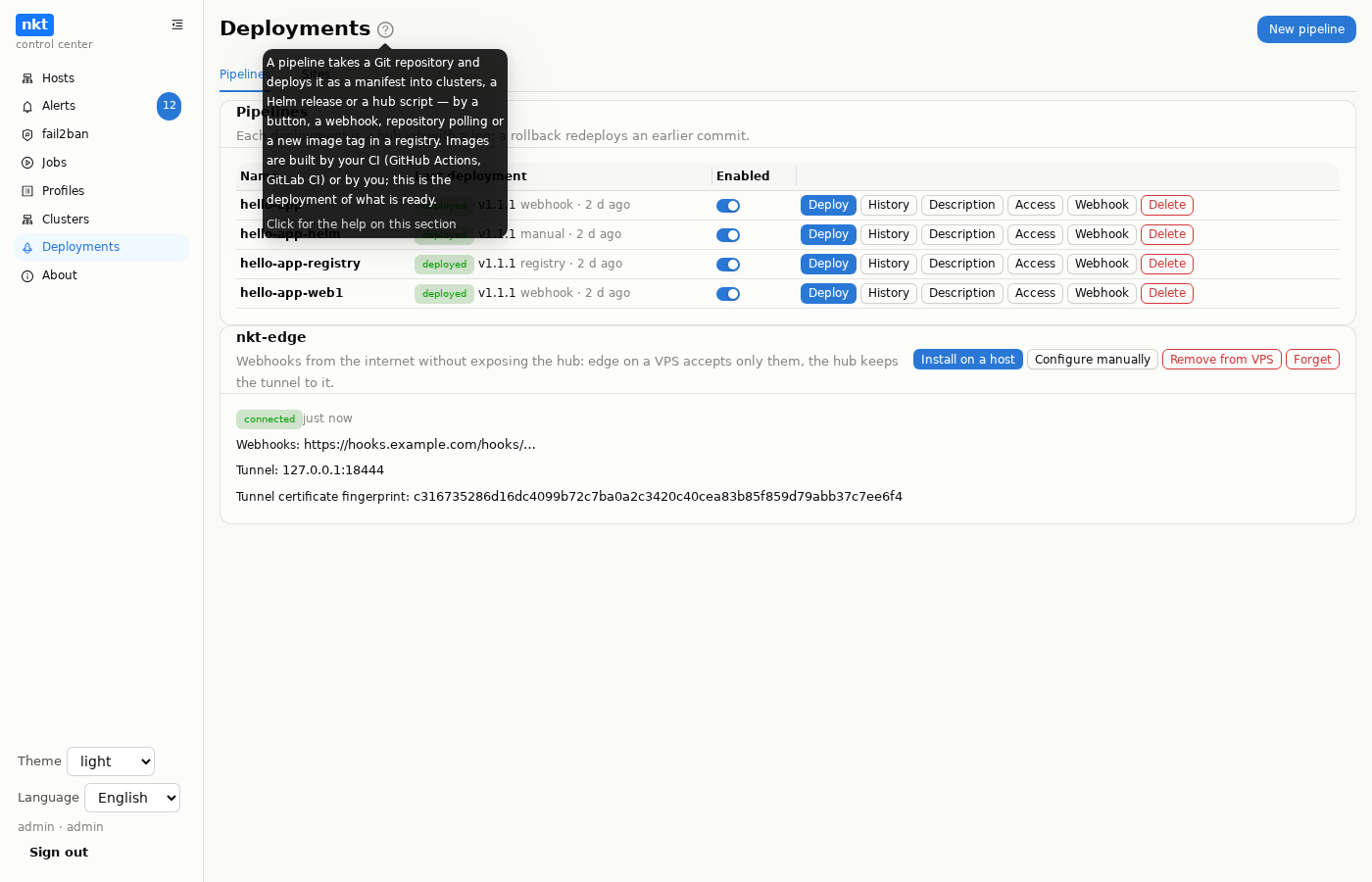
The "?" icon next to a section title (in place of the former "ⓘ") shows a short hint on hover and, when clicked, opens this site's section for the current page of the interface, in a window inside nkt; "Detach" moves the help into a separate browser window (like the terminal), "In a new tab" opens a regular tab. The pipeline editor, "Secrets" and the "Sites" wizard have buttons straight to their sections.
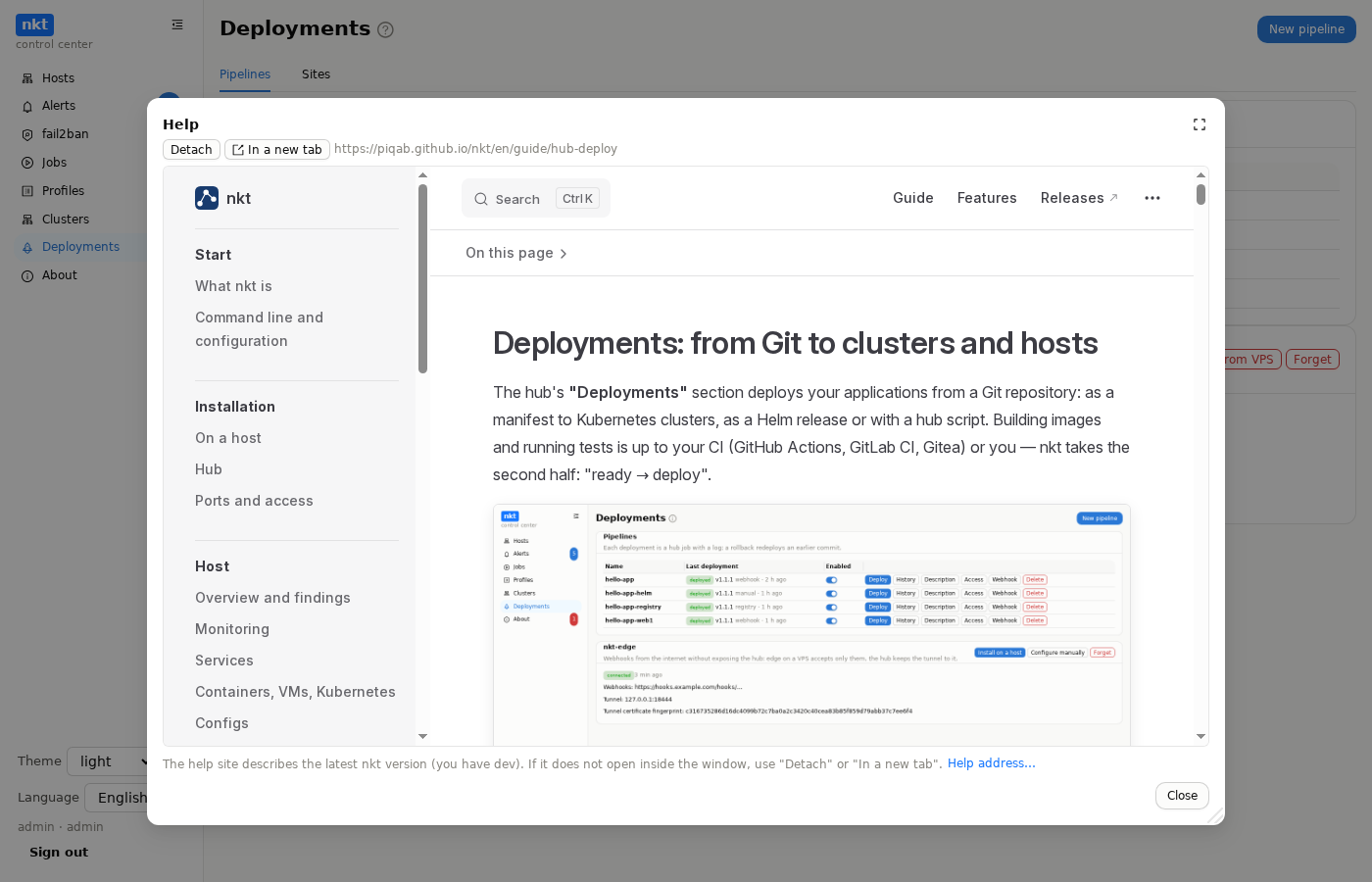
The site address is set in the "Help" card on "About" (and via the "Help address…" link in the help window, also on a standalone host without a hub): https://piqab.github.io/nkt/ by default, or your own copy, e.g. on a local network without internet (npm run build in the project's site/, the result is site/.vitepress/dist). Editing shows the difference before saving and keeps a history of previous addresses. The site describes the latest nkt version; your own copy built from the same commit as the installed nkt matches it exactly. If your server forbids being shown inside other pages (X-Frame-Options), the window stays empty; use "Detach" or "In a new tab".
Menu
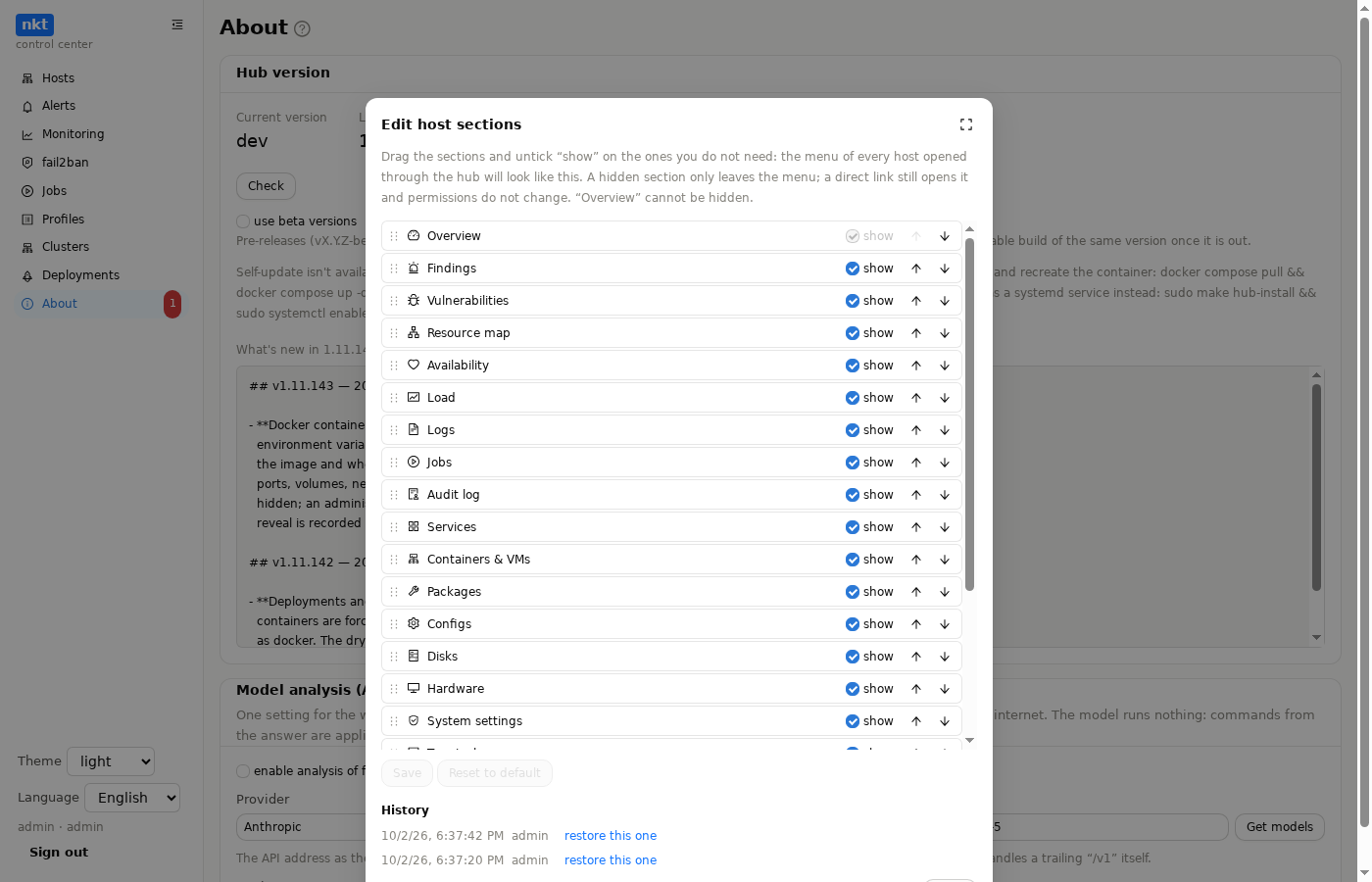
The "Menu" card in "About" (admins only):
- "Hub section order": a window with the list of hub menu sections; drag a section (or move it with the ↑↓ arrows). Hub sections cannot be hidden, only reordered.
- "Edit host sections": the same for the host menu, plus a "show" checkbox; the menu of every host opened through the hub follows it. "Overview" cannot be hidden. A hidden section only leaves the menu; a direct link still opens it and permissions do not change.
Before saving, a "now → will be" diff is shown; each layout has a version history with "restore this one" and "Reset to default". The layouts are shared by everyone on the hub, stored on the hub and carried in its export; sections that appear in later versions go to the end of the menu. A standalone host without a hub shows the default menu. API: GET and PUT /api/hub/ui/nav/hub and /api/hub/ui/nav/host with {"order": [...], "hidden": [...]}.
Installing nkt on hosts
The "Installing nkt on hosts" card (admin only) sits next to the danger zone. A window lists the hub's hosts: checkboxes cleared, with "Select all" and "Clear all"; each host shows its state (nkt of some version, not installed, unreachable, installation error). The hub machine (localhost) is not listed. "Install" starts a hub job with the standard log window: three hosts at a time, each getting a regular installation, like a host's "Reinstall" (its job shows in "Jobs"); the job waits for each result and logs it. A host with nkt installed by another hub is skipped; reinstall it from the host list with confirmation. SSH access and root or passwordless sudo are needed.
Danger zone
A card with a red border (admins only): "Remove nkt from all hosts":
- Export, required. First comes the same window as "export" in "Hosts" (full, with the key; password encryption). Until the file is downloaded you cannot go on; the hub checks too and rejects the request without a full export within the last 30 minutes.
- Choosing hosts. A list of all the hub's hosts, unticked; "Select all" and "Clear all". The hub's machine (localhost) is not listed. Hosts where removal is bound to fail (sudo asks for a password, unreachable) are marked. What to remove is the same as when deleting one host; by default the service and files, data, the hub's access traces and restoring password login, without deleting the SSH user.
- Confirmation: type the word "delete", then a hub job with the standard log window runs three hosts at a time, and one failure does not stop the rest. Where the cleanup succeeds, the host leaves the hub; where it does not, the host stays listed and the log gives the reason.
The hub and the hosts come back by importing that very export file: the hosts return to the list, the hub notices on its own where nkt is missing and offers to install it. The installation, however, needs SSH access and passwordless sudo: if the hub's access traces were removed, the hub key is gone from authorized_keys along with its sudo rule. The new hub cannot sign in to a host added with a key; it can sign in to one added with a password, but passwordless sudo has to be restored by hand (or the host connected as root). With "delete the SSH user" checked, there is no account to sign in to at all. If the goal is only to move to a new hub, there is no need to remove nkt: export and import are enough, and the hosts keep working.