
Plugin: LiteLLM
LiteLLM is one OpenAI-compatible address in front of any models (llama.cpp, Ollama, vLLM, OpenAI, Anthropic) with virtual keys: each has its models, budget, limits, expiry and spend. The plugin manages keys and models from the hub. How plugins work in general — Plugins.
Installing
- Pipelines → Examples → LiteLLM → host and API domain. The hub creates the master key, the encryption key and the database password itself (
generate:). Don't change theLITELLM_SALT_KEYencryption key after the first deploy. - About → Plugins → Install on a host → LiteLLM → the same host → the master key from the pipeline's
.env(the plugin addssk-itself). Servicenkt-plugin-litellm, 127.0.0.1:9210, no Docker.
LiteLLM's own admin UI (/ui) is off in the example — everything goes through the plugin.
What it does
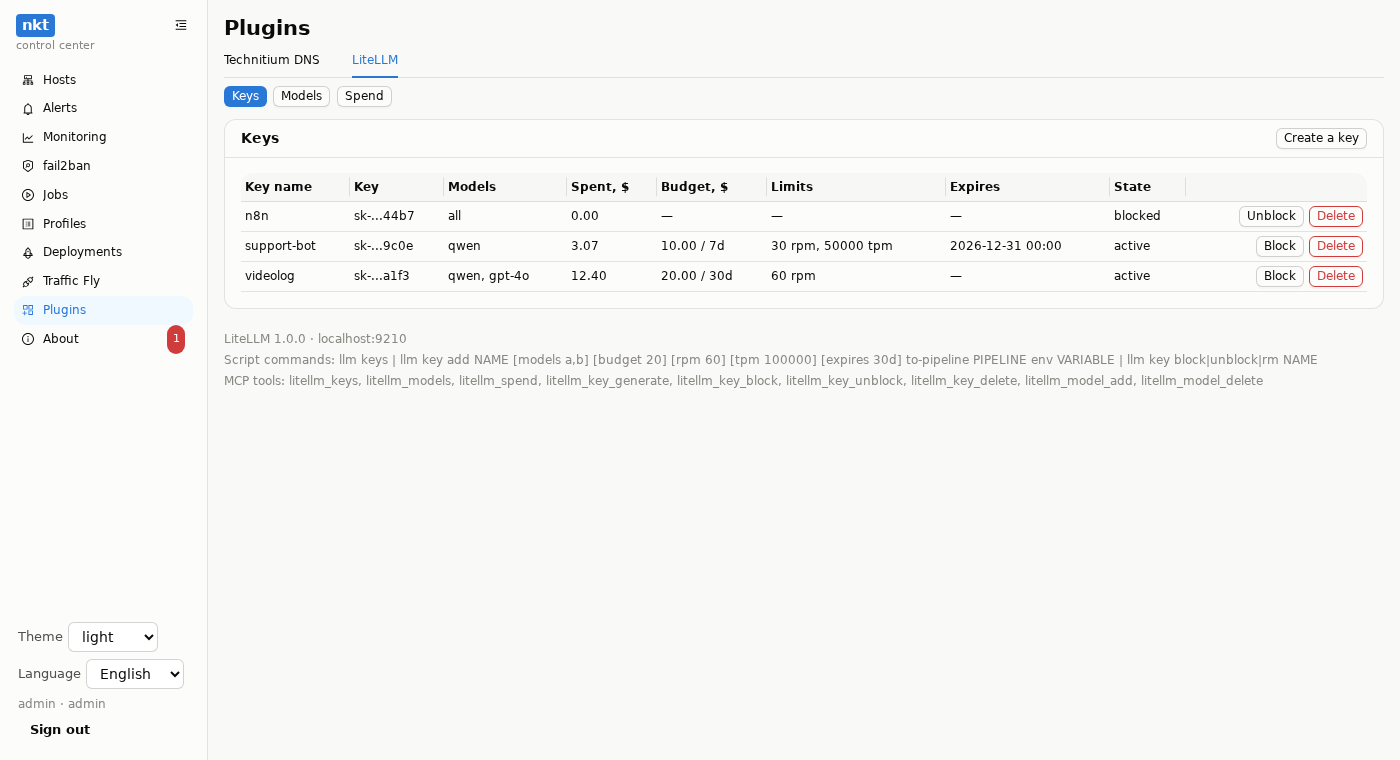
Models — add (a name for clients,
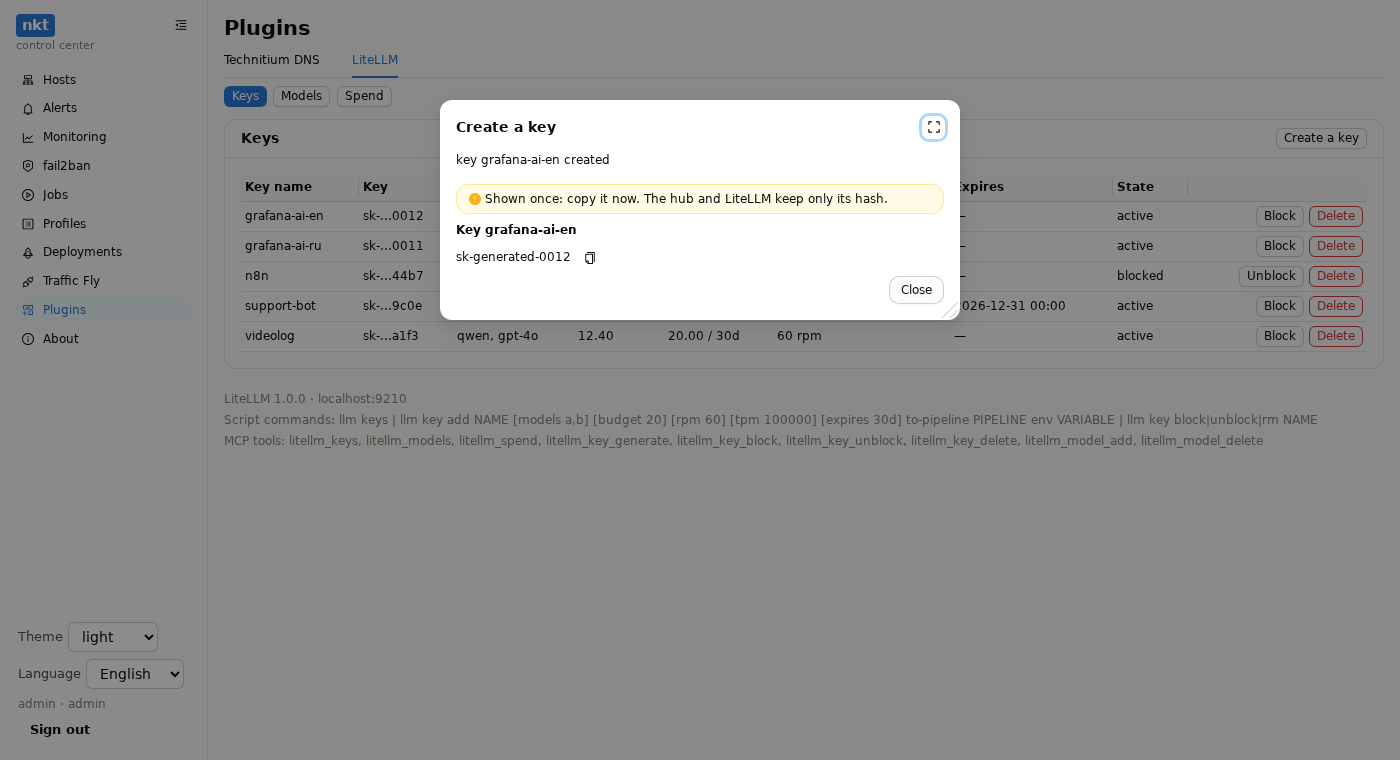
provider/model, the API address, the provider key in a masked field) and delete.openai/…with an address — any OpenAI-compatible server.Keys — create (name, models, a budget and its reset, request and token limits, expiry), block, unblock, delete. A new key:
- in the window — shown once with Copy;
- straight into a pipeline
.env(the “Straight into a pipeline .env” and “Variable name” fields) — not shown: the hub writes it into the app pipeline's.envwith version history; it reaches the stack with the next deploy.
Spend — per key and in total.
Scripts:
llm keys,llm key block|unblock|rm NAME,llm key add NAME [models a,b] [budget 20] [budget-reset 30d] [rpm 60] [tpm 100000] [expires 30d] to-pipeline PIPELINE env VARIABLE— a new key from a script goes only straight into a.env, never into the job log.MCP:
litellm_keys,litellm_models,litellm_spend,litellm_key_generate(only withto_pipelineandenv— the agent never sees the value),litellm_key_block,litellm_key_unblock,litellm_key_delete,litellm_model_add,litellm_model_delete.
Rights
Viewing — everyone; changes — an admin or a token with the “plugin litellm” action. Putting a key into a pipeline .env also needs the right to edit that pipeline: an admin or a token with “pipeline.create” within its limits (its own pipeline or one from the token's list). Rights are checked before the plugin is called — a key with nowhere to go is never created.
The app
OPENAI_BASE_URL=https://llm.example.com/v1
OPENAI_API_KEY=${LLM_API_KEY}